



















Travel Capitalist Ventures Expands Check Size to $10 Million to Deepen Emerging Market Conviction
Boutique Travel VC raises investment cap from $1.5M to $10M to lead rounds and support portfolio companies through growth Travel...
Read moreDetails

Now, keeping track of these places is as easy as opening Maps. If you choose to turn on the new “screenshot” list, Gemini capabilities in Maps automatically identify places mentioned in your screenshots so you can review and save the ones you want to a helpful list. Places you save will show up on the map, and you can easily share the list with your travel buddies. This feature starts rolling out this week in the U.S. in English on iOS — and is coming soon to Android.
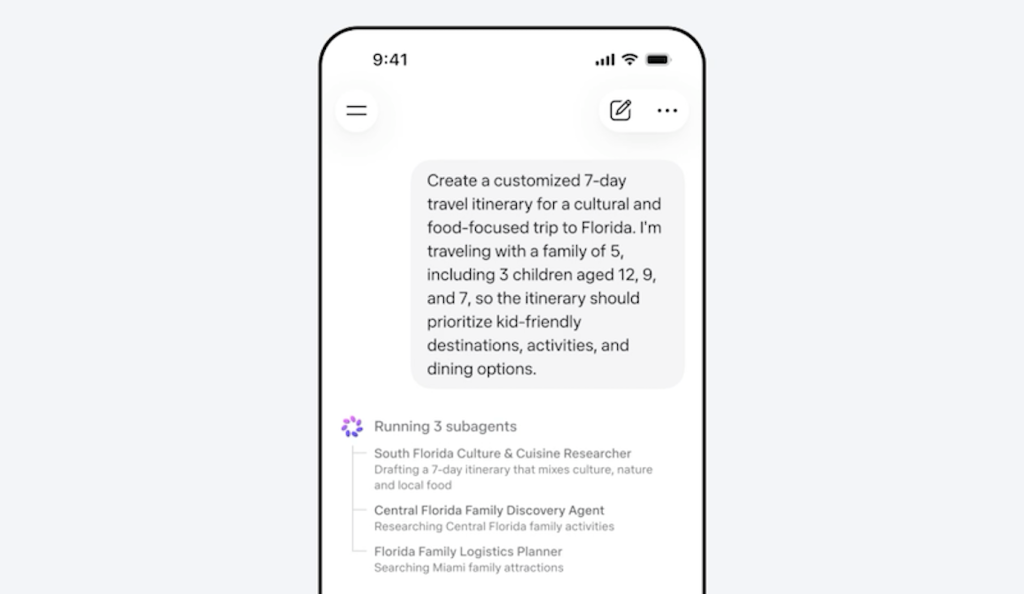
Often, the hardest part of trip planning is getting started. Do you want a tropical vacation? OR should you visit a new big city? Turn to Gemini, your personal AI assistant, to get help with brainstorming and finding relevant…
Boutique Travel VC raises investment cap from $1.5M to $10M to lead rounds and support portfolio companies through growth Travel...
Read moreDetails